How do I change my password?
In order to change your password:
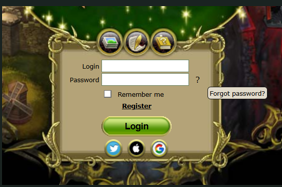
1. Click on the Question icon near the password input field on the login page.
 |
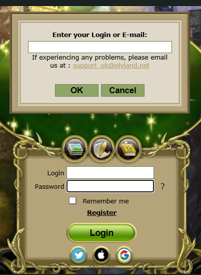
2. In the pop-up window, enter your name in the game or the email address associated with your game account
 |
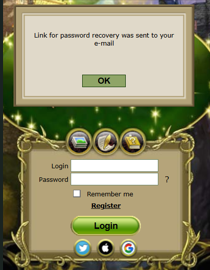
3. You will receive an email with a link to change your password.
 |
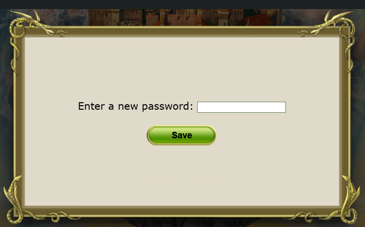
4. Click the link from the email, enter your new password, and click "Save".
 |
Important: The minimum password length is 6 characters. We recommend using a longer, stronger password that includes uppercase letters, numbers, and special symbols.
5.After successfully changing your password, you will receive a confirmation email about the password update.
In order to receive information on the email that you had provided at registration click “Write to the Administration” button in Portal Window (the window of server choice).
In the field "From" you will see your email address.
All answers to the FAQ